This is the Google Maps app. It offers turn-by-turn directions.
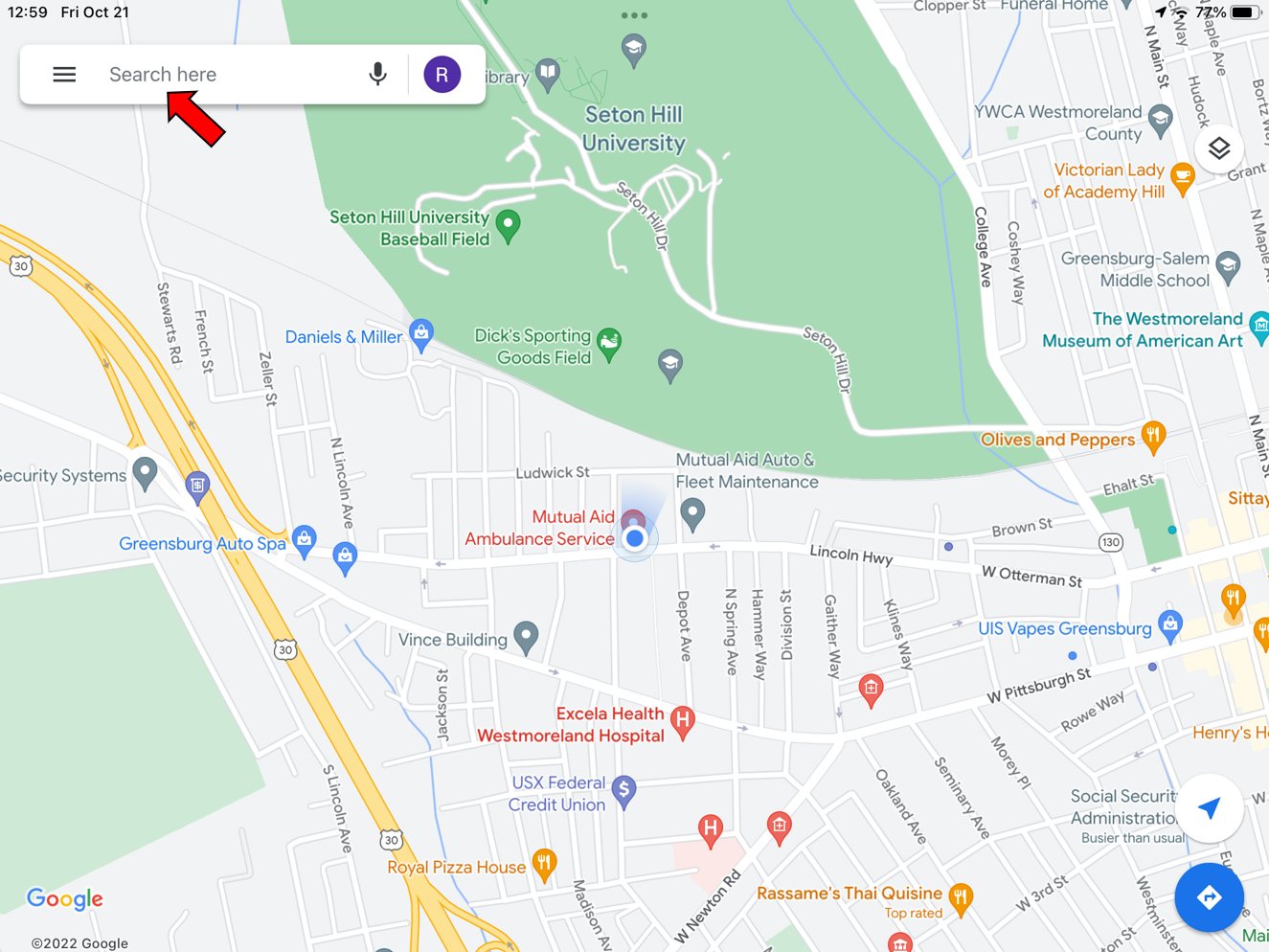
You can navigate to Google Maps from the Respond App or by typing the address in manually. If you want to type it in manually, click in the search bar shown here. Type the address or business name you are trying to navigate to.
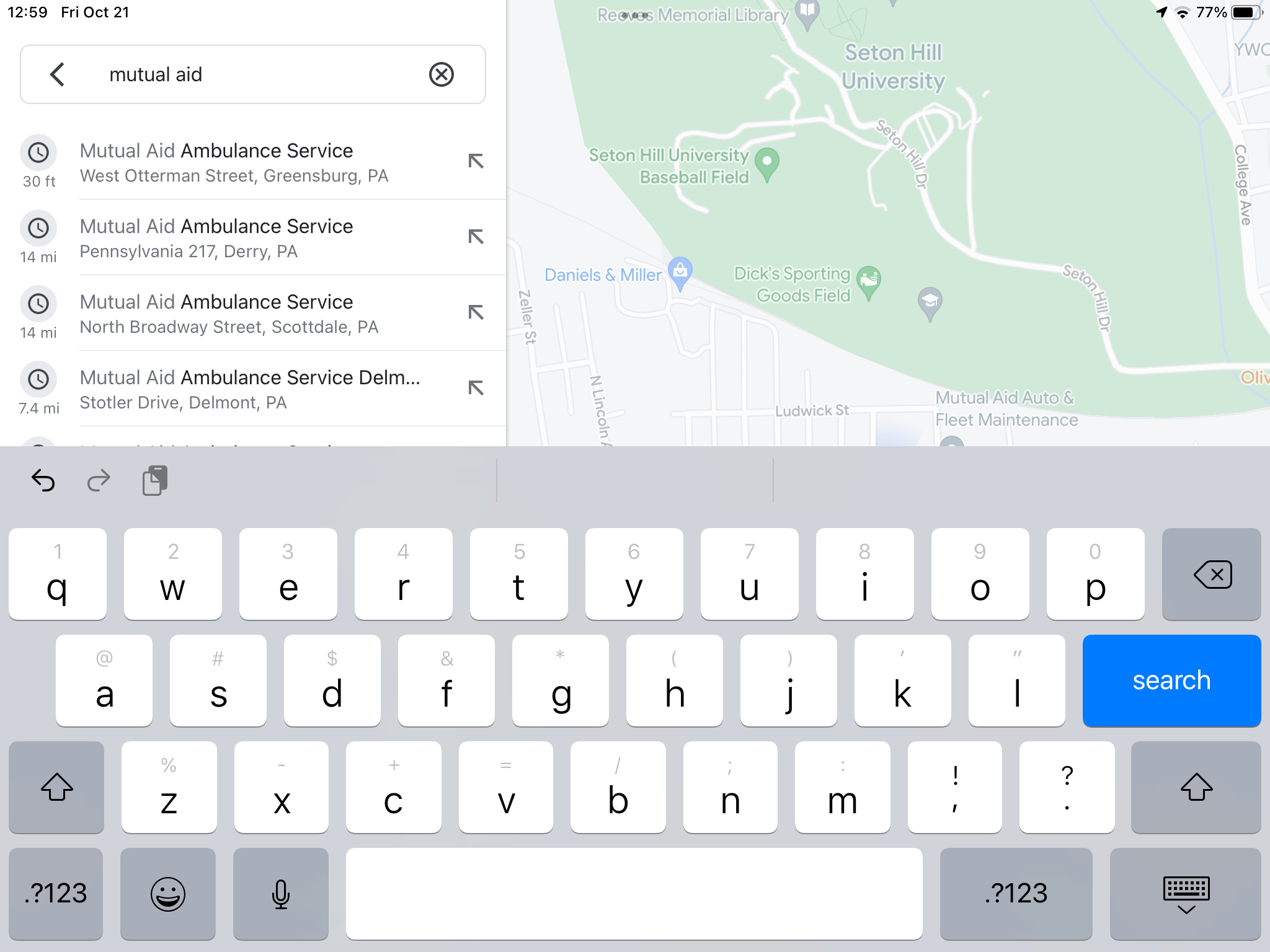
When you search for a business name, you will be presented with options to select. Pick the one you want or continue typing until you find it.
OR
If you want to navigate to it from Respond, check the Respond App Instructions.
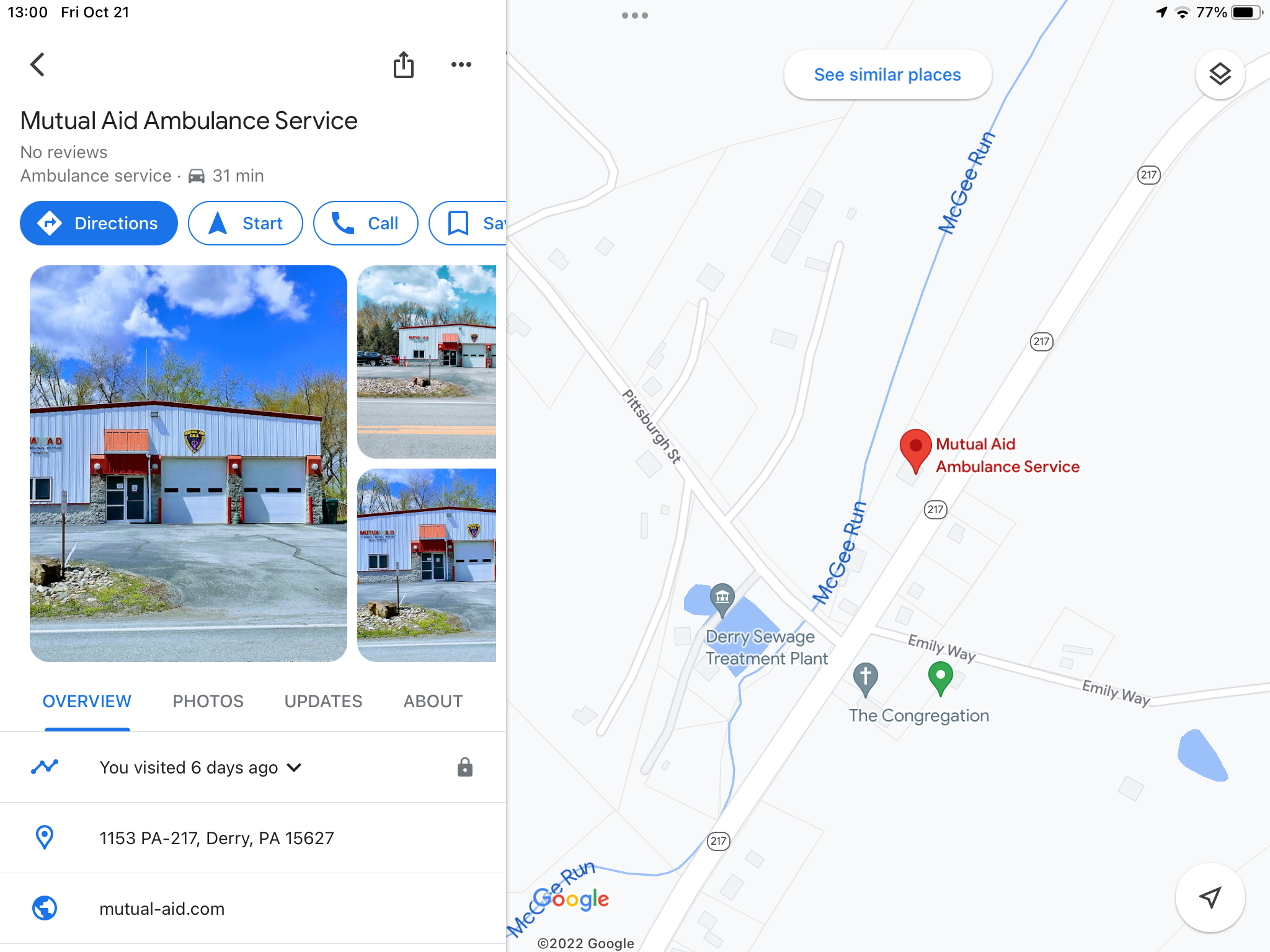
When you have selected a location, you will see it listed like this. Tap Directions to look at the list of Directions or tap Start to have it give you turn-by-turn directions.
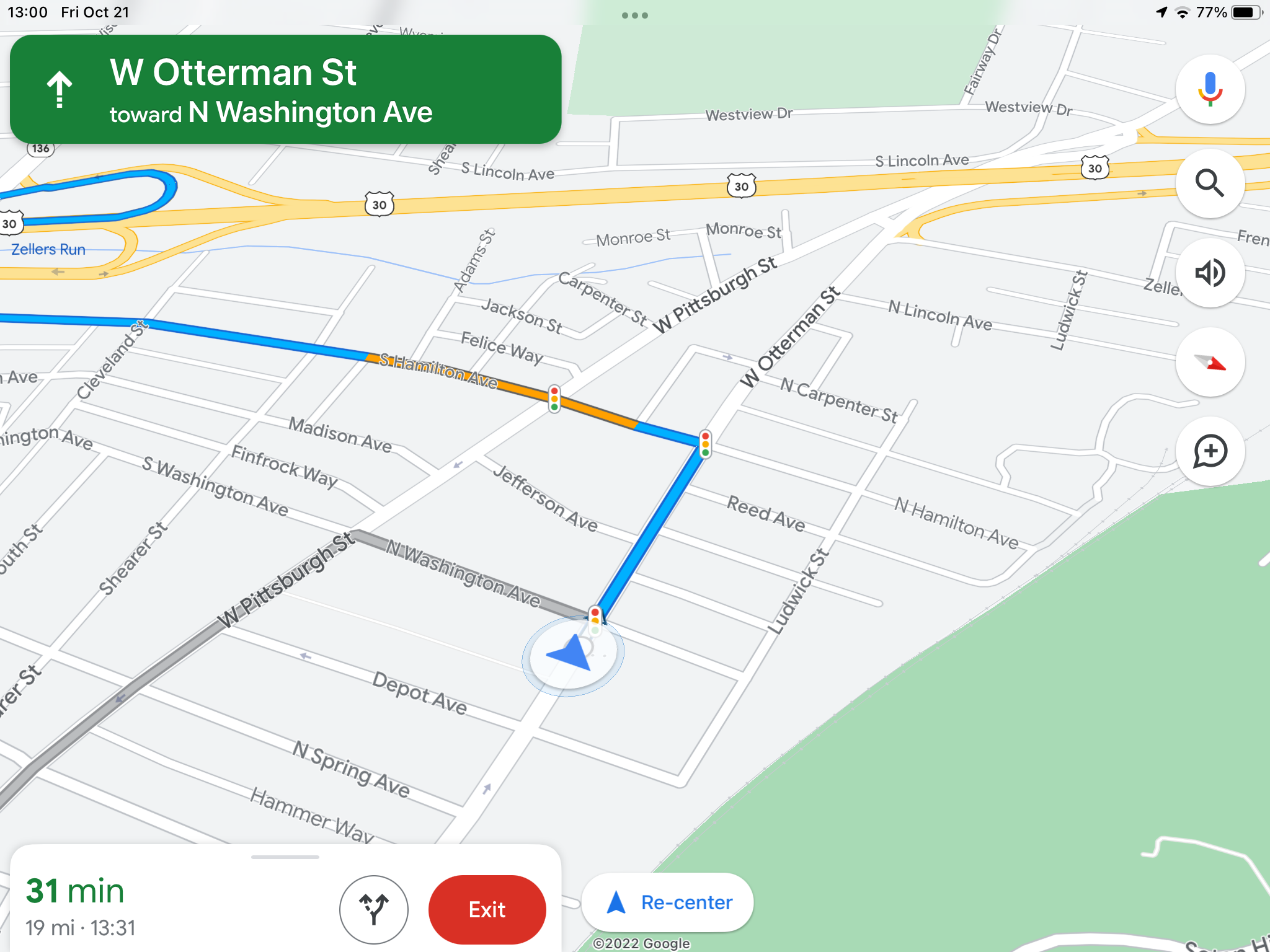
This is the view once you have tapped Start.
Was this article helpful?
That’s Great!
Thank you for your feedback
Sorry! We couldn't be helpful
Thank you for your feedback
Feedback sent
We appreciate your effort and will try to fix the article